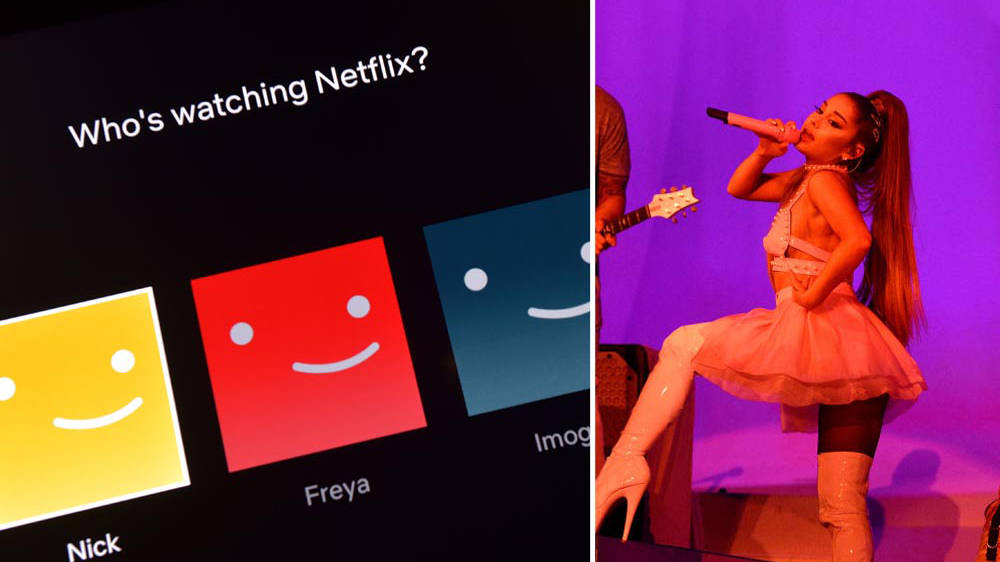
Ariana Grandeu2019s u2018Sweeteneru2019 tour movie arriving to Netflix means one thing u2013 we can finally change our profile icons to our favourite pop star. Ariana Grandeu2019s u2018Sweeteneru2019 tour movie, Excuse Me, I Love You, on Netflix is quite literally the only thing fans can talk about at the moment, so naturally we all want to change our profile icons to a photo of the singer. Which Sweetener Concert Was Filmed For Ariana Grande's 'Excuse Me, I Love You' Tour Documentary?Thereu2019s a huge selection of characters from your favourite TV shows to choose from when it comes to jazzing up your profile, but weu2019re putting queen Ari at the top of ours as soon as she's available as an option from 21 December, that is. The icon images are the small pictures that represent each personu2019s Netflix profile, so that you can binge-watch your fave series to your heartu2019s content and not worry about someone ruining your progress. If youu2019re wondering how to make the change and have legendary Ariana as the icon on your Netflix profile, hereu2019s howu2026 1. In Netflix (duh!), click u2018manage profilesu2019. 2. Click the u2018editu2019 icon on the profile picture. 3. To change your picture, click u2018editu2019 on your current icon. 4. Browse through the options and proudly select Ariana, or whoever else you want to represent your hours of TV streaming, we're not judging. Arianau2019s new tour movie, Excuse Me, I Love You, is available to watch from 21 December. Fans are being treated to a full concert from her u2018Sweeteneru2019 tour, as well as backstage action and all the emotion that comes with it. > Download Our App For All The Latest Ariana Grande News
